Product
Live projectlockrMail: Inbox Privacy Chrome Extension
Chrome extension and web product for inbox privacy and browsing
- Client
- lockr
- Platform
- Chrome Extension + Web App
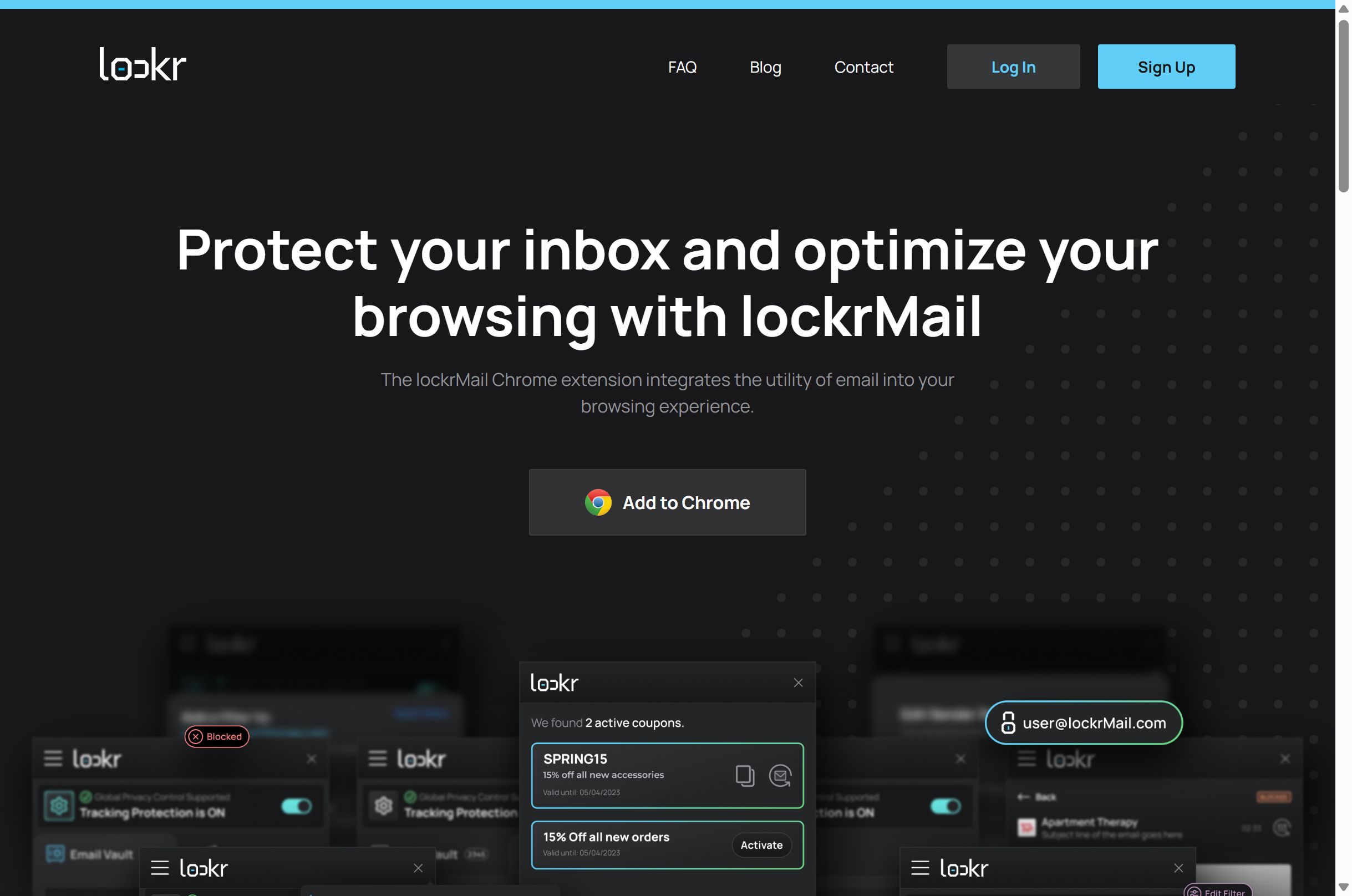
We helped shape lockrMail as a privacy-first email product that sits in the browser, not inside your personal inbox. Users get a public-facing lockrMail address for signups across the web, then control what actually reaches their destination email. The Chrome extension brings filters, discount alerts, and order tracking into the browsing flow.
- Chrome Extension
- Web App
- Email forwarding
- Privacy filters
- Browser UX
The challenge
Give people a way to subscribe, shop, and register online without handing out their personal email, while still surfacing useful messages, coupons, and order updates at the moment they need them in the browser.
The approach
We focused the product around a masked public email plus a Chrome extension that works without inbox OAuth. Signups use the lockrMail address, filters decide what forwards through, and browsing surfaces coupons, sender settings, and MyOrders updates where shoppers already are.
What we built
Alternative email alias
A public-facing lockrMail address masks the personal inbox. Brands get a real contact path without seeing the destination email.
Curated filters by company
Automated filters let users customize which senders and domains reach the primary inbox and which stay blocked.
Chrome extension browsing layer
Detect and autofill lockrMail on signup forms, adjust delivery settings by domain, and read recent emails without leaving the page.
Discount alerts
The extension notifies shoppers of relevant coupon codes while browsing, even when a promo email was filtered out.
MyOrders tracking
Automatically track orders inside lockrMail and surface key updates in the app instead of digging through shipping emails.
Privacy controls
Tracking protection and Global Privacy Control (GPC) signals help users express privacy preferences as they browse.
How it's built
- Marketing and product web experience for signup, account, and education flows
- Chrome extension UX for autofill, sender settings, notifications, and coupons
- Public-facing email alias model that forwards to a destination inbox without client OAuth
- Company and domain filter controls for curated delivery
- MyOrders surfaces for order and tracking updates inside the product
- Google signup and account creation paths for fast onboarding
Outcomes
- Live product at lockrmail.com for inbox privacy and browsing utility.
- Chrome extension path for signup autofill, coupons, and in-browser email utility.
- Masked public email that keeps personal addresses off everyday signups.
- Filter, discount, and MyOrders flows that reduce inbox digging while shopping.
More from the portfolio
All projects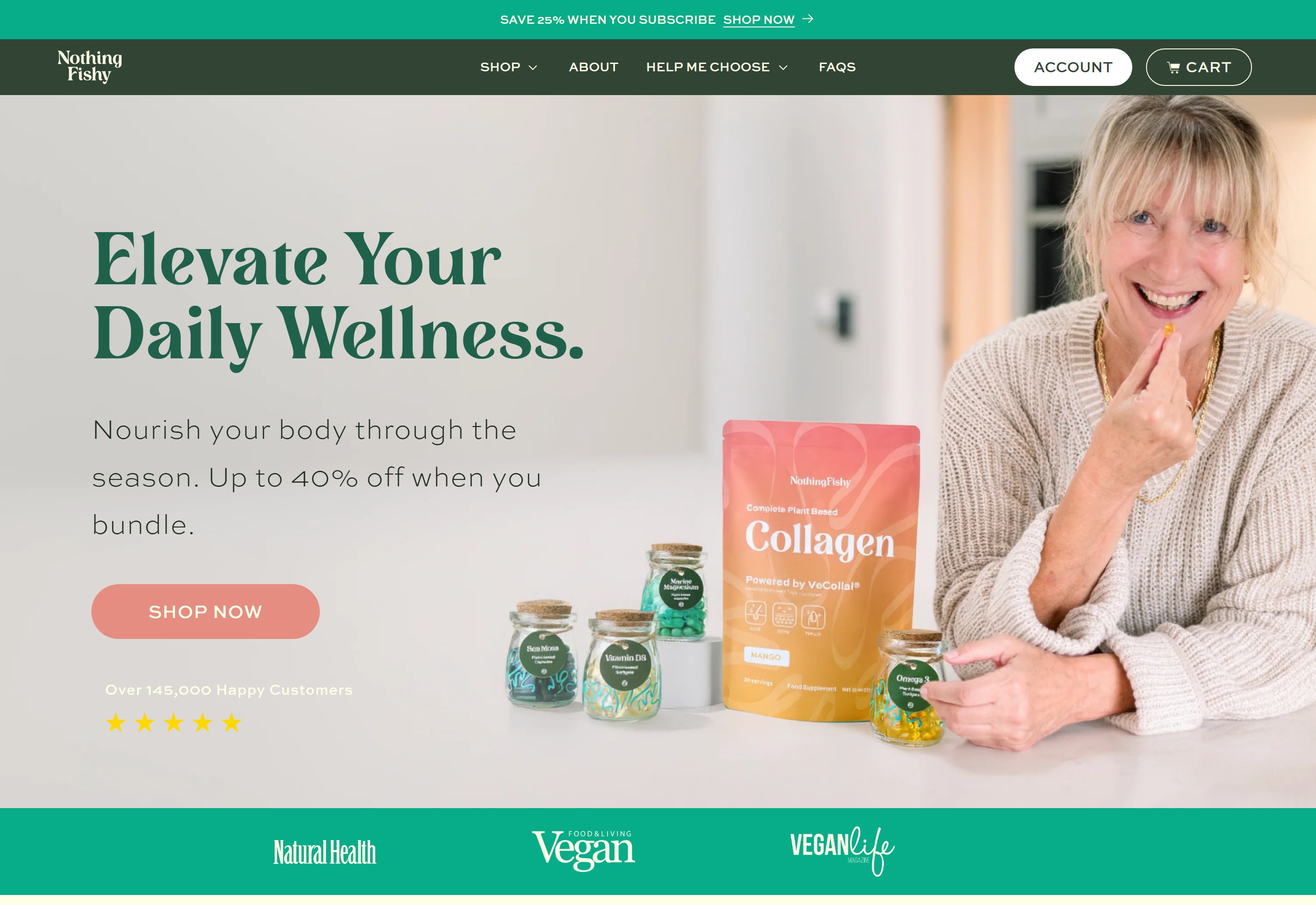
E-commerce
NothingFishy: Shopify Wellness Store
Membership Platform
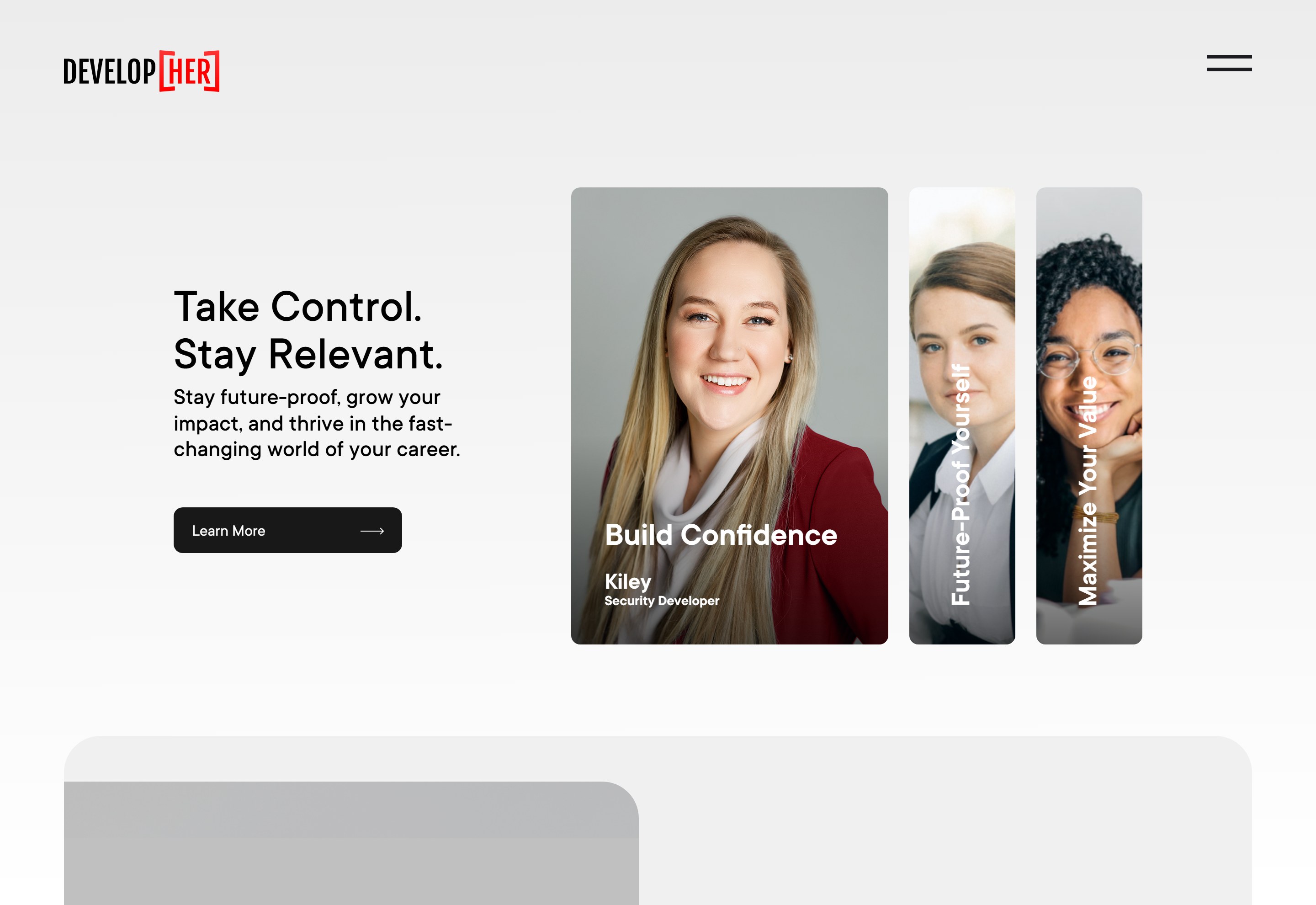
DevelopHer: WordPress Membership Platform
E-commerce
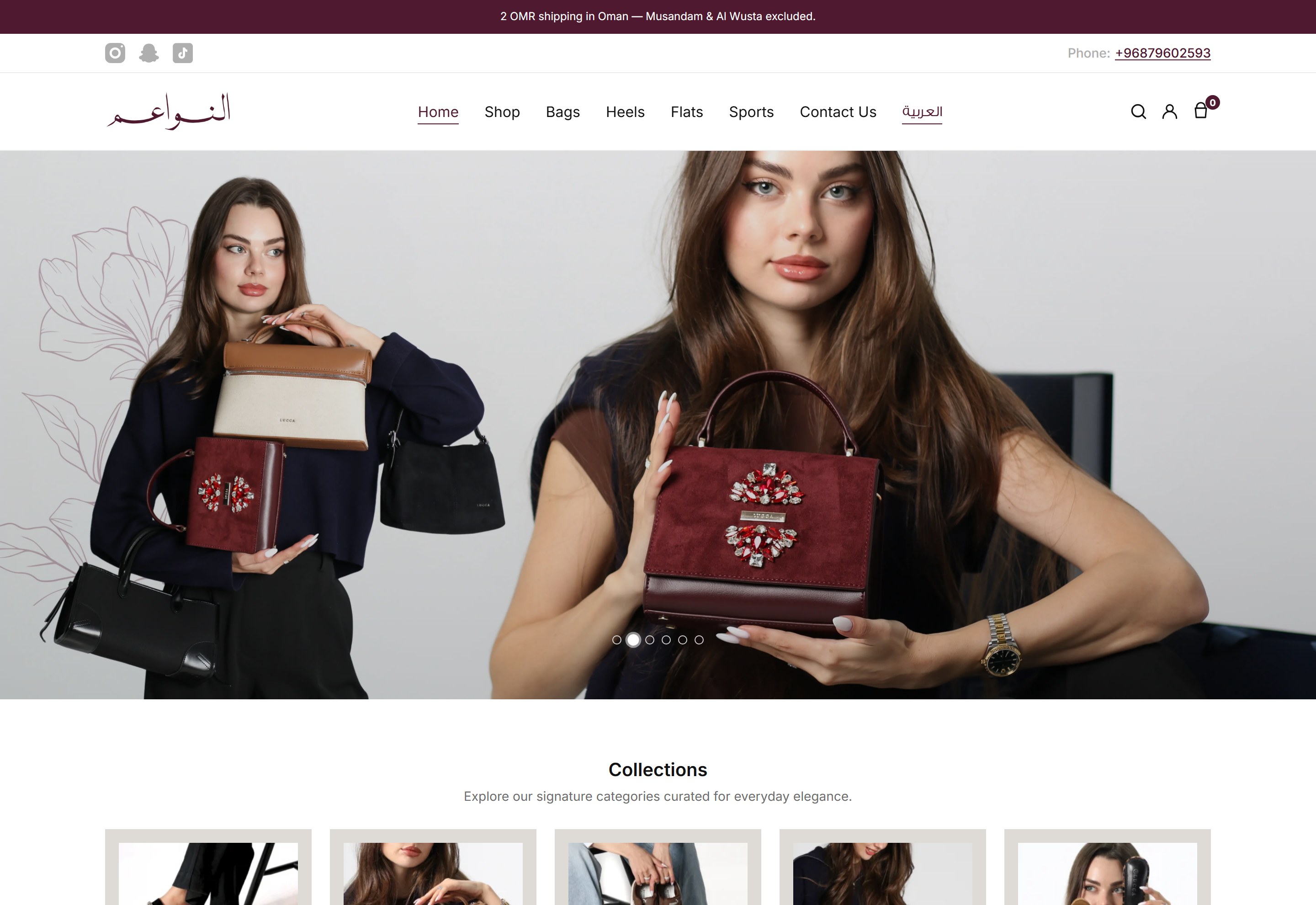
Alnawaim: Bilingual WooCommerce Store
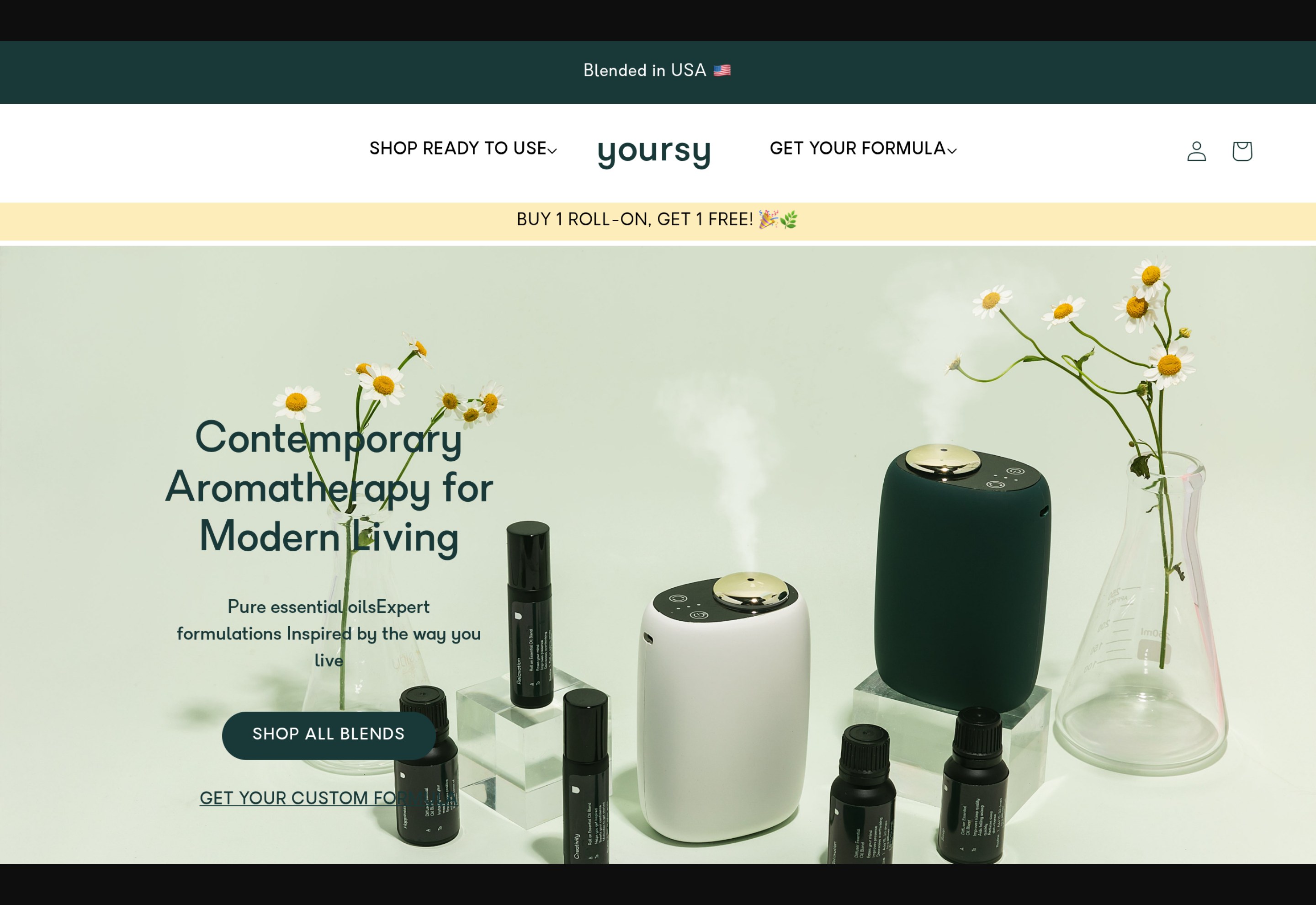
E-commerce
Yoursy: Shopify Aromatherapy Store
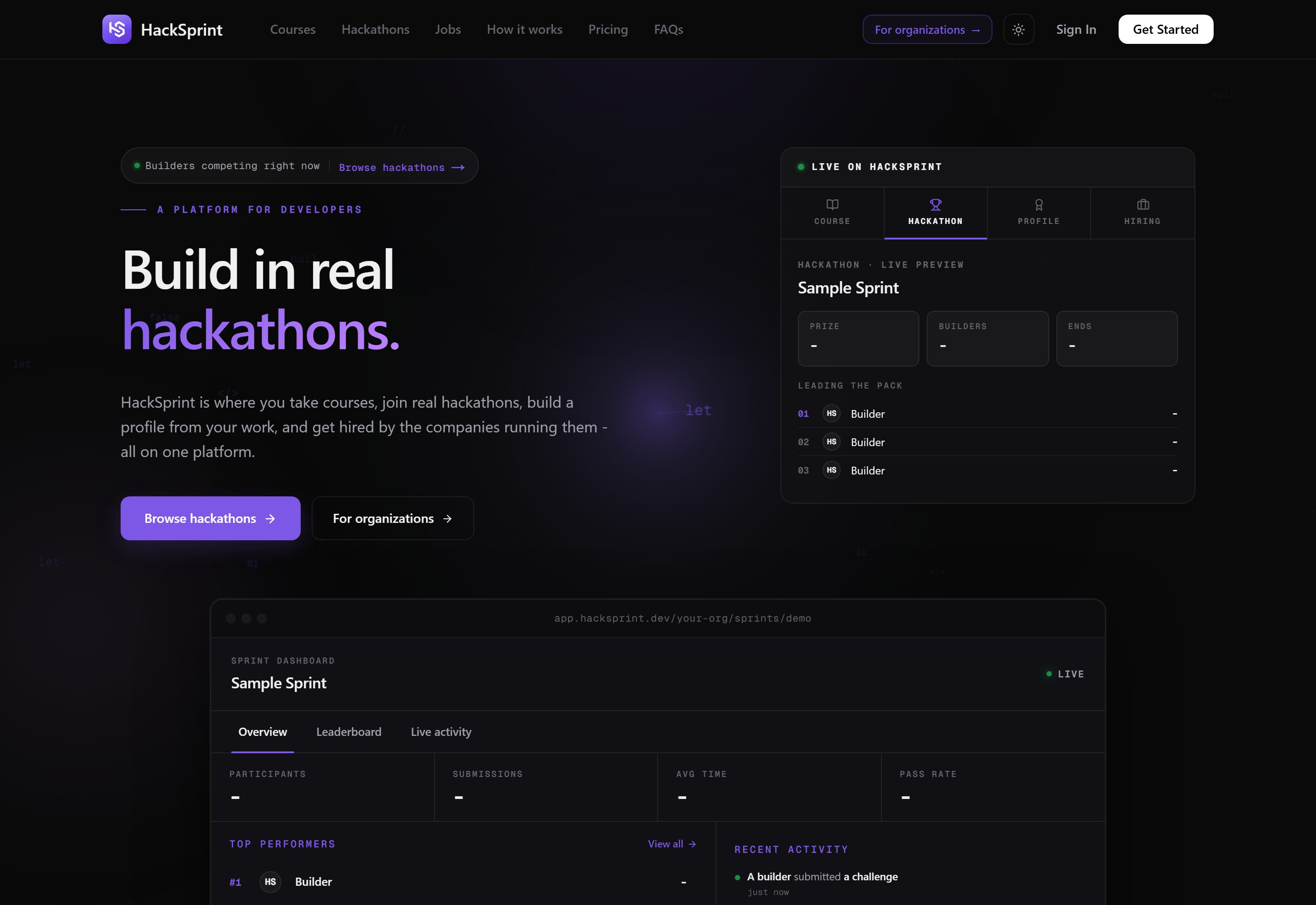
SaaS
HackSprint: Next.js Developer Platform
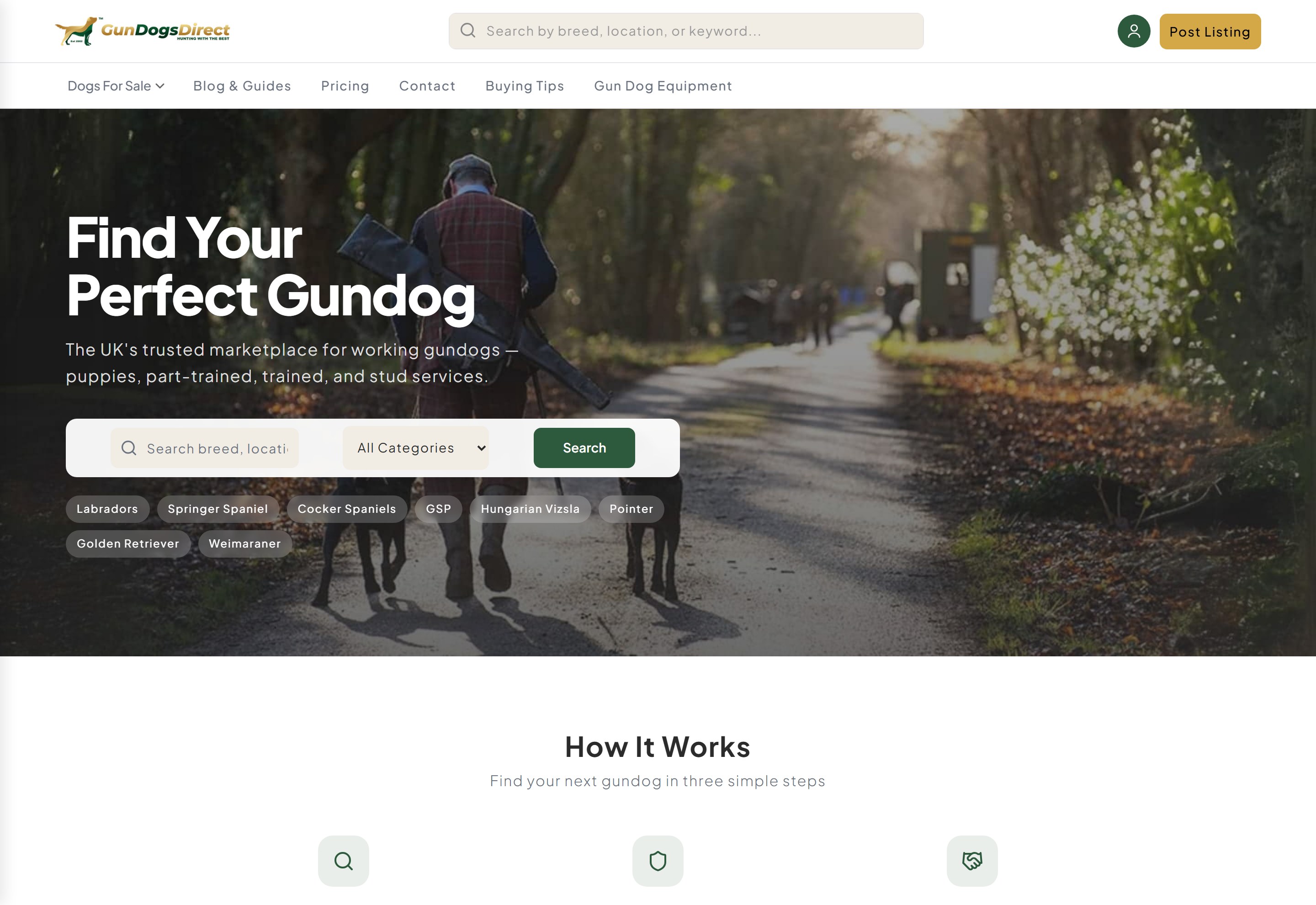
Marketplace
GunDogsDirect: Laravel Gundog Marketplace
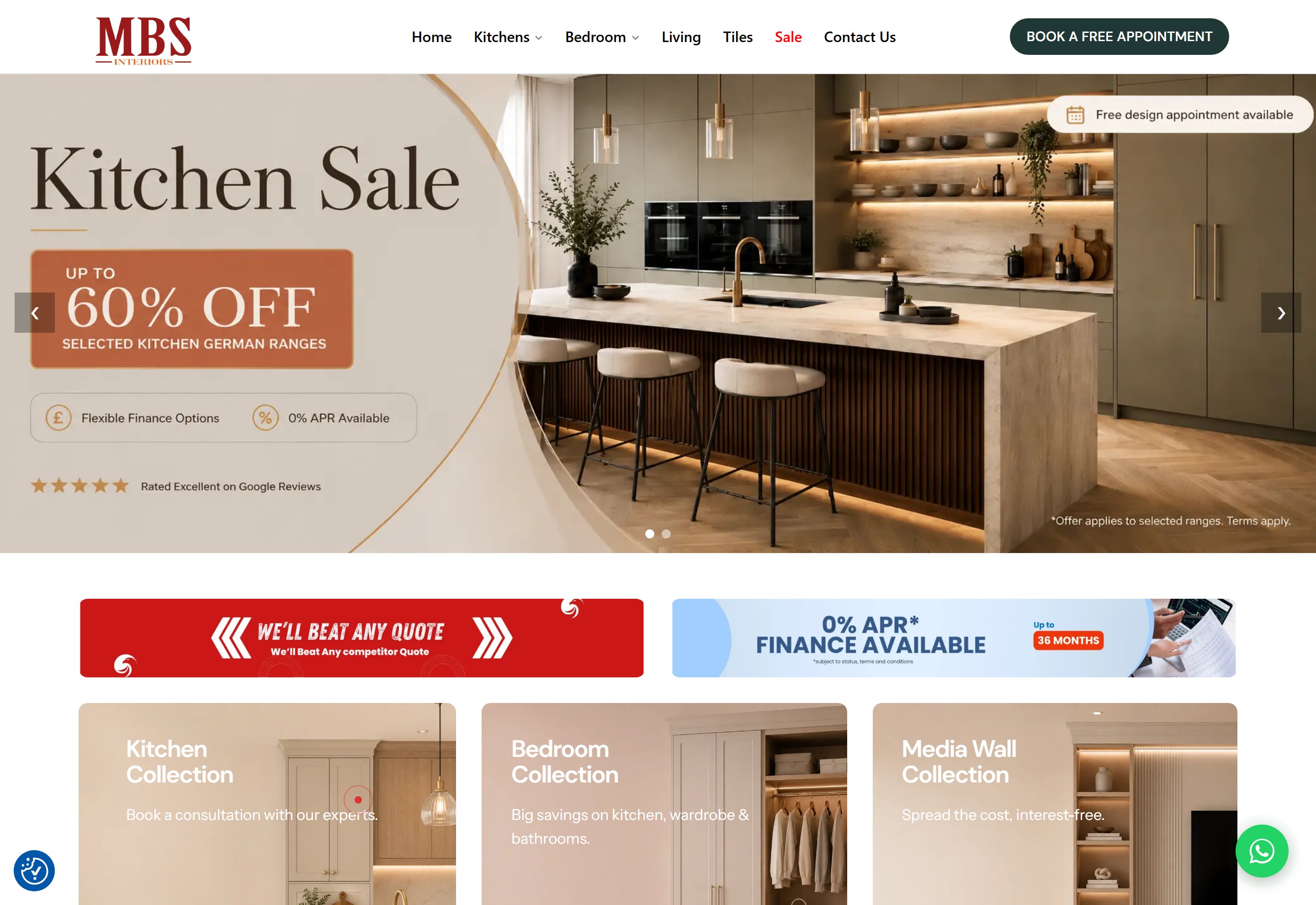
Web Development
MBS Interiors: WordPress Performance Rebuild